 tripwire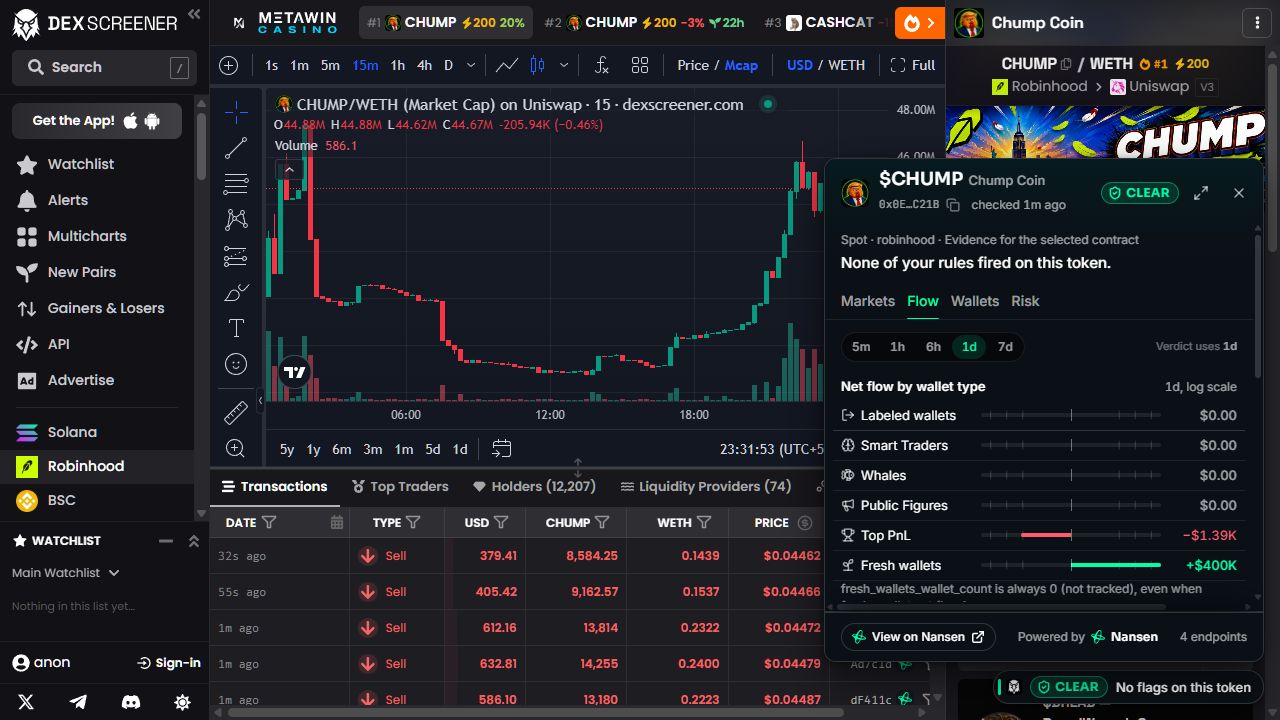
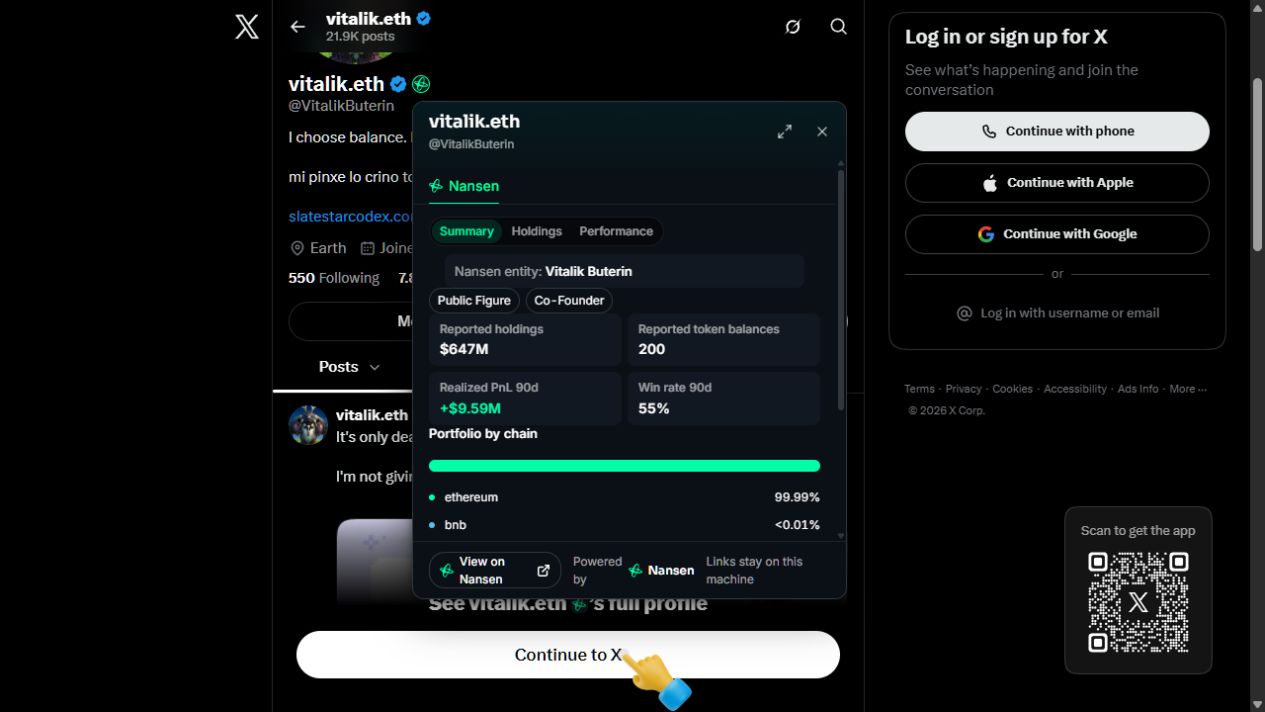
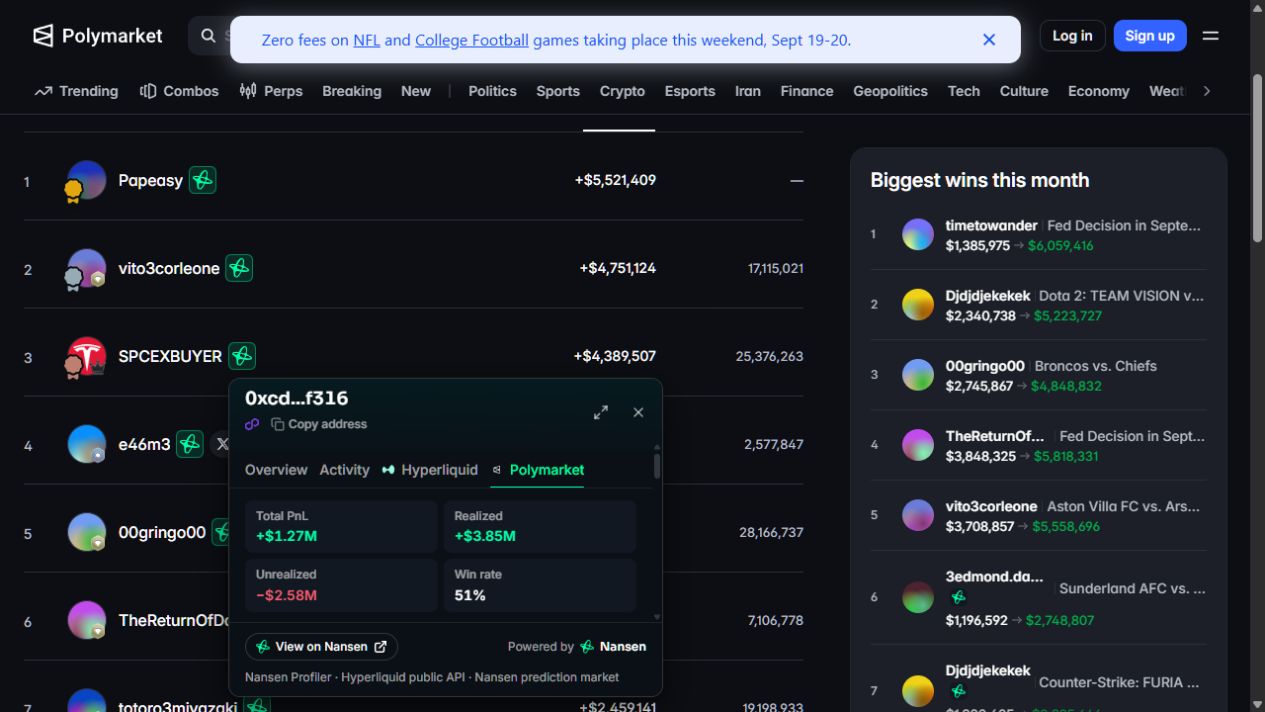
A name becomes a profile.
Open available Nansen wallet or entity insights beside a post or trader’s name.
 Nansen
The wallet behind the post. The flows behind the token.
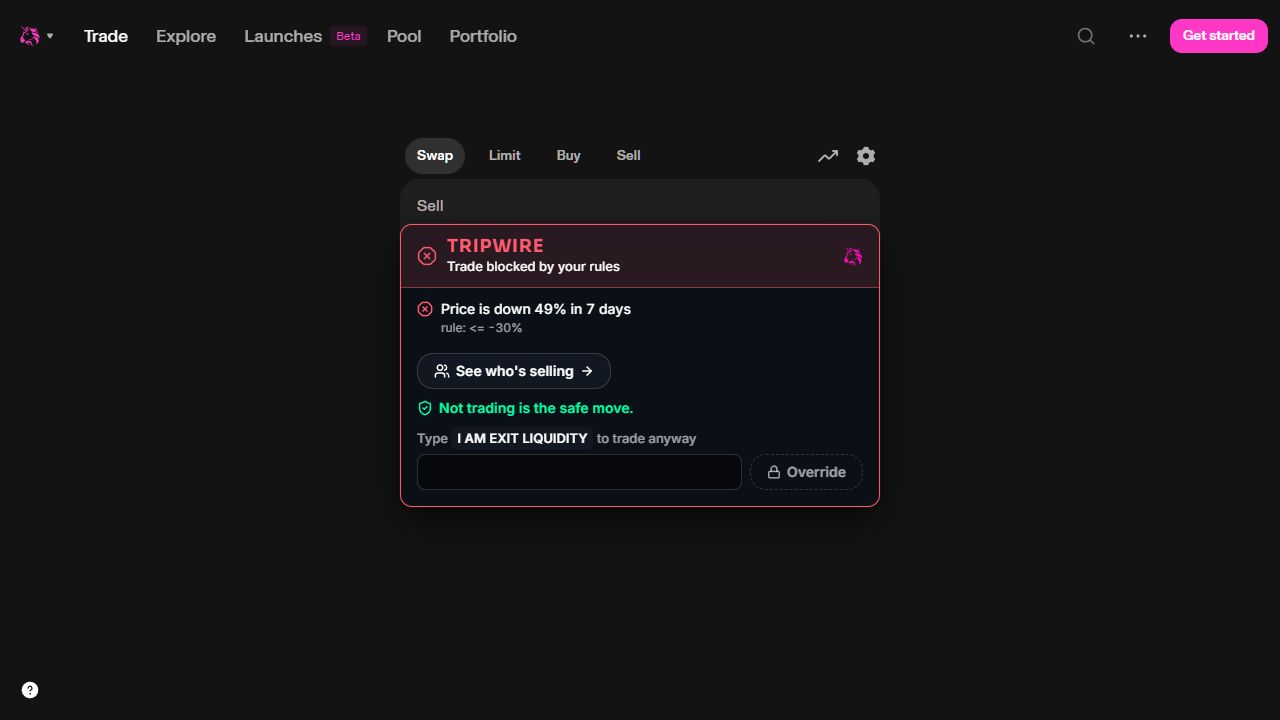
Tripwire brings Nansen to the places you already trade.
Works where
you already are.
 DEX Screener
 Uniswap
 Jumper
 Hyperliquid
 Polymarket
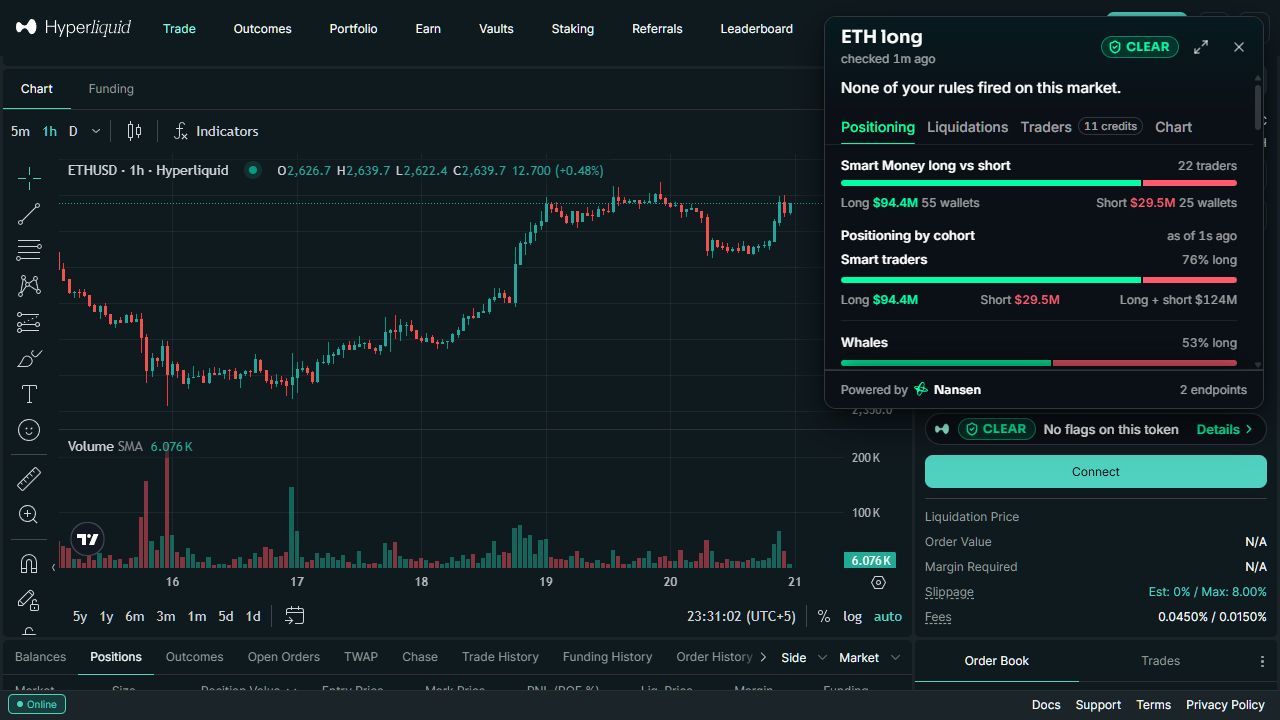
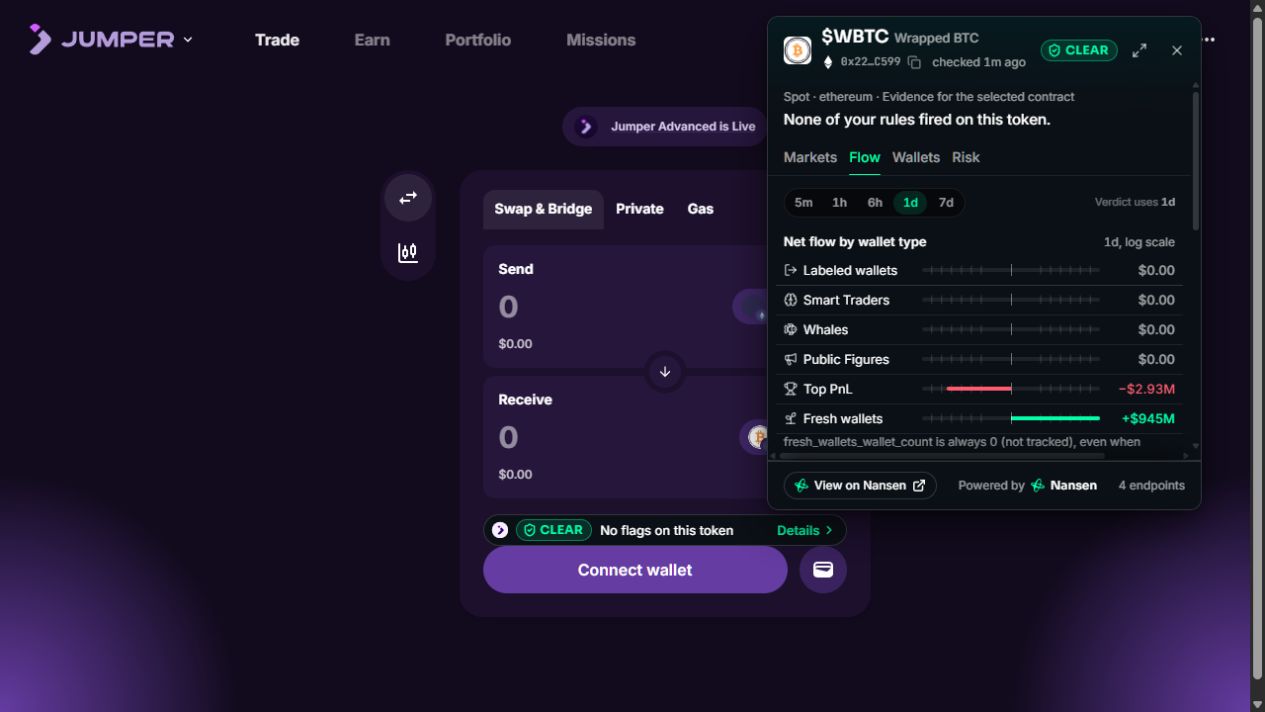
Open a Nansen badge to inspect the wallet, token or market already on your screen.
Open available Nansen wallet or entity insights beside a post or trader’s name.
See flows and holders for the exact selected contract. Other chains and perp markets stay clearly separate.
On Hyperliquid, inspect perp positioning, funding and reported liquidation levels.
Download the packaged extension from GitHub and add it to desktop Chrome. No account, no key, no server to run.
Powered byNansenDownload extension (.zip)All releasesSource on GitHubUnzip tripwire-extension.zip into a folder you’ll keep.
Open chrome://extensions, enable Developer mode and choose Load unpacked. Select the folder containing manifest.json.
Pin Tripwire and open X or a supported venue. It connects on its own; nothing to set up.
Yes. They show Tripwire running on the named sites. The figures were recorded when each screenshot was taken; they are not live quotes.
Coverage depends on the asset, chain and available Nansen data. Tripwire keeps each token’s contract and chain explicit, and shows when information is unavailable.
No. Tripwire presents evidence and can flag trades when your rules fire. You choose what to do and sign in your trading app. This information is not a guarantee of safety.
Desktop Chrome and a configured Tripwire data connection. The current development build uses a local service. The public release will describe its setup requirements.